
Getting Desktop and Mobile Software Made: Process, Cost and What to Watch For
Desktop software, a mobile app, or both? How the build process works, what sets the cost, and what to watch for — a plain-language guide.
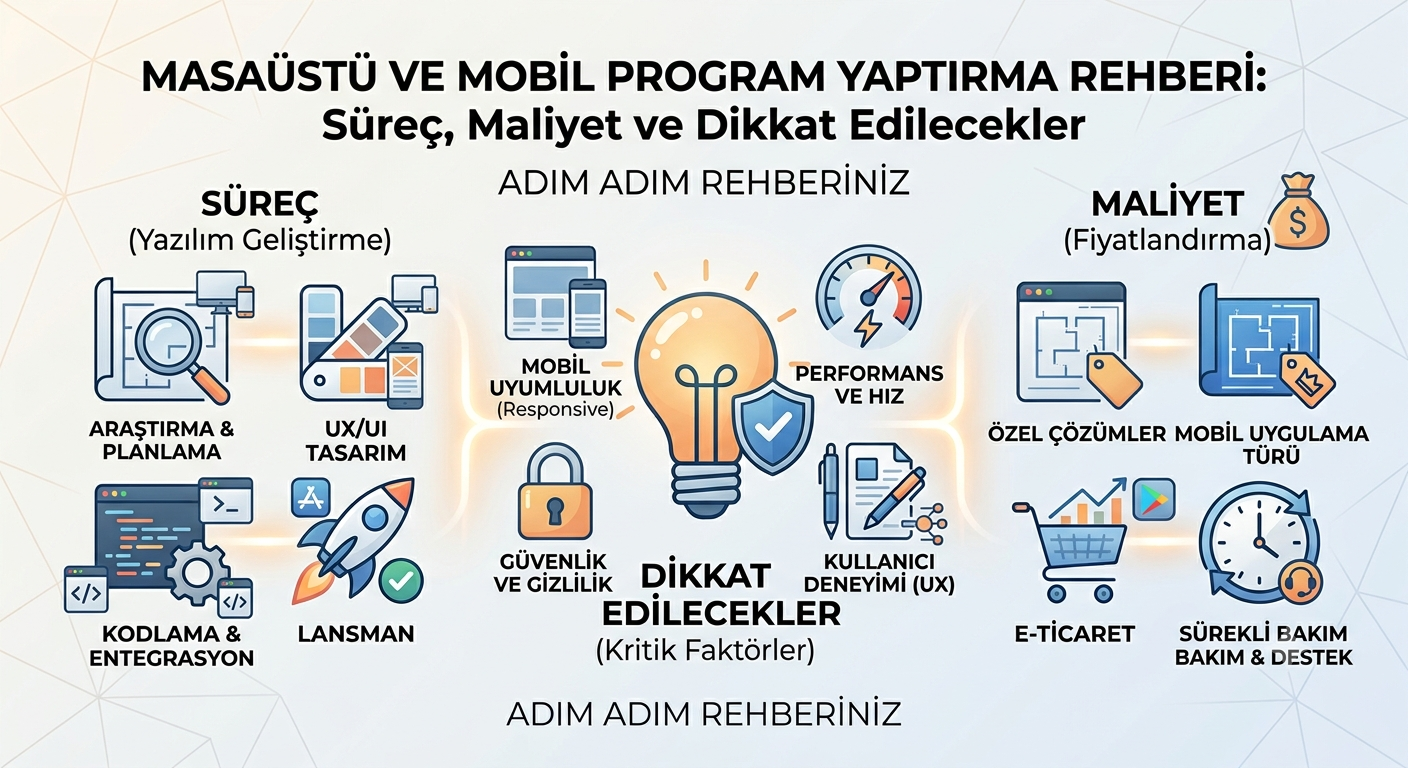
Desktop software, a mobile app, or both? It's one of the most common questions when digitizing your business. In this guide we explain the process of getting desktop and mobile software made, what sets the cost, and what to watch for when deciding — in plain language.
Desktop or mobile?
The right choice depends on who uses the software, where and how:
- Desktop software is ideal for work that must run offline, connects to devices like barcode scanners, scales or cash registers, or processes large data fast (e.g. checkout/POS, stock, accounting).
- A mobile app is ideal for field teams, users on the move and reaching your customer's phone directly; it uses phone features like notifications, camera and location.
- Both together — often desktop and mobile run on a shared server/database, keeping data in sync everywhere.
If you're torn between web and desktop, our post “Desktop or web?” can help you decide.
How does the process work?
- Discovery: Your workflow, users and needs are clarified.
- Design/prototype: The interface is designed first; before any coding, you see how the app will look and flow.
- Approval: After you approve the design, the real build — database and features — begins. This order speeds things up and prevents surprises.
- Testing: It's tried across different devices and scenarios.
- Release/distribution: On mobile via the App Store and Google Play; on desktop with an installer and automatic updates.
What sets the cost?
- Platform: Android only or iOS + Android; Windows only or multi-platform.
- Scope: Number of screens, features and integrations (payment, maps, devices, etc.).
- Backend: Server/API needs for users, data and synchronization.
- Maintenance: Keeping up with OS updates and store rules requires continuity.
Our transparency principle applies here too: we pass third-party costs (app store developer accounts, servers, etc.) through at the provider's price, with no markup.
What should you watch for?
- The right platform: Where is your audience? Don't invest in a platform you don't need.
- Shared foundation: If desktop and mobile share data, plan a common backend from the start.
- Ownership: Source code and store/developer accounts should be in your name — control stays with you.
- Editability: A panel to manage content and settings makes life easier.
- Maintenance plan: Clarify post-launch update and support terms up front.
With the right platform choice, transparent cost and a solid foundation, getting desktop and mobile software made is easier than it looks. If you'd like to talk about your project, get in touch — let's plan the best solution for your needs together.